 PicGrid
New AI Cutout & draw-your-own layouts
Photo Collage Maker for iPhone & iPad
Turn your photos into beautiful collages in seconds. 400+ photo grids, templates, stickers, fonts and one-tap AI Cutout. Your photos never leave your device.
 Scan with your
iPhone camera
Everything you need
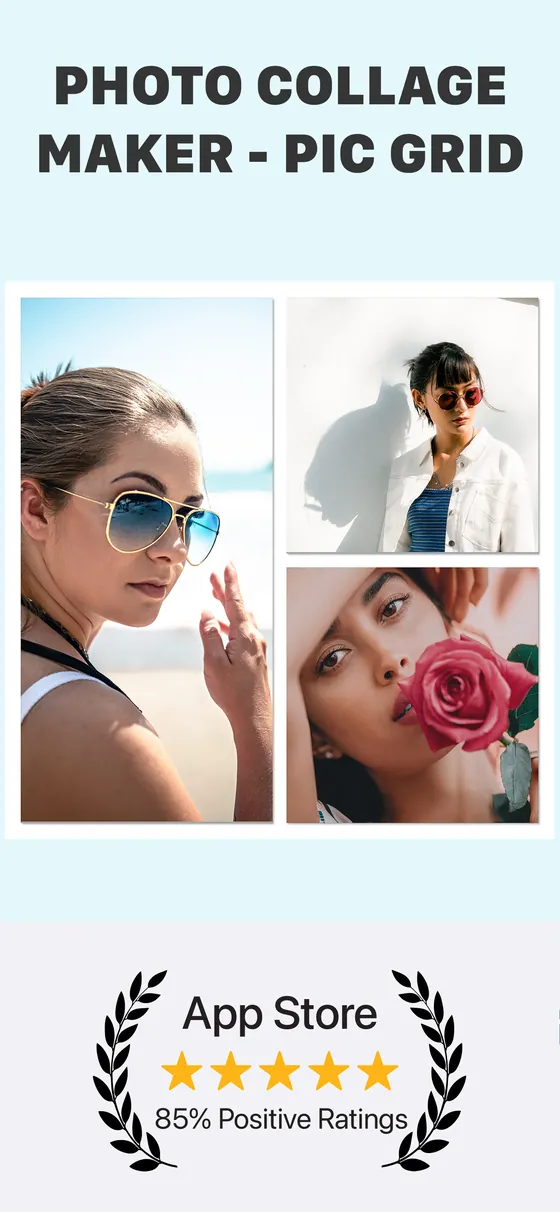
Make collages you'll love to share
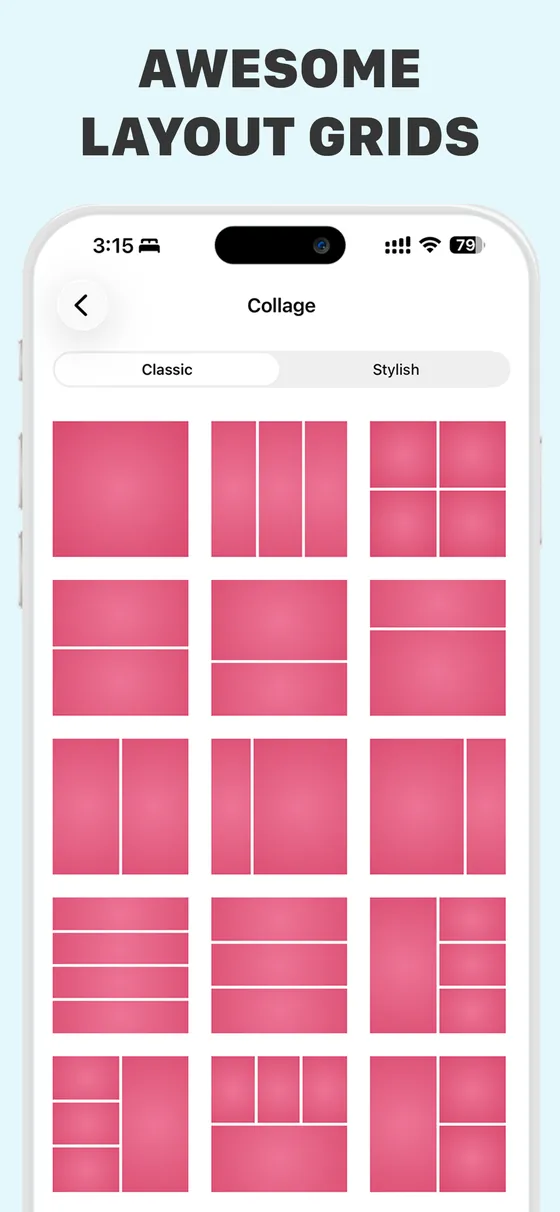
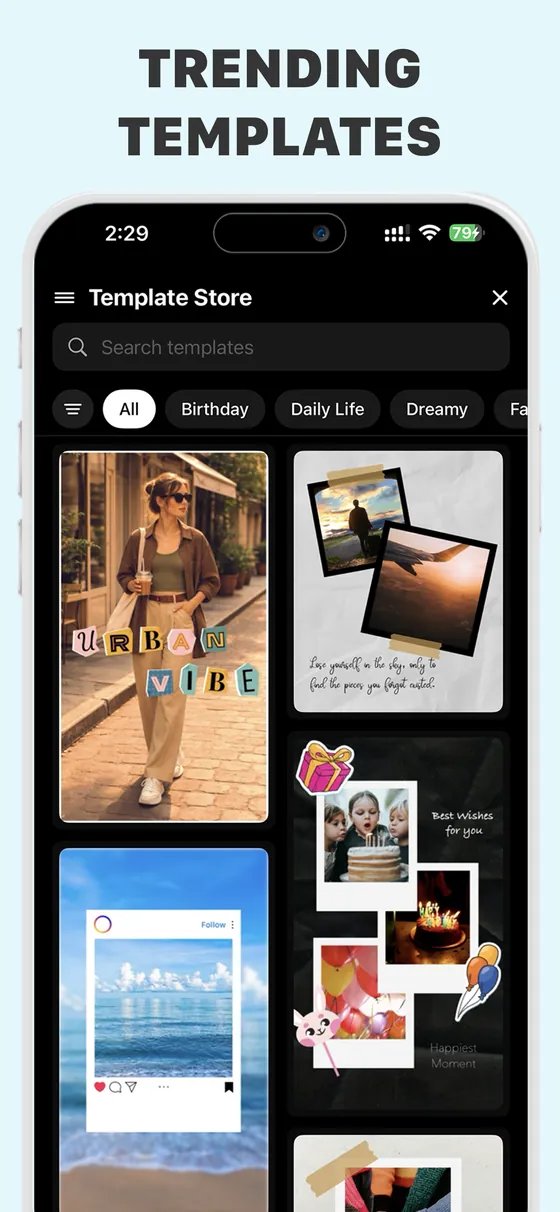
400+ photo grids
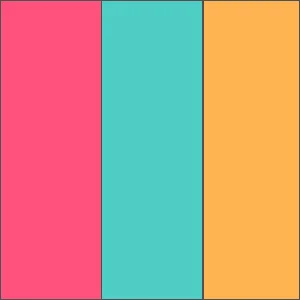
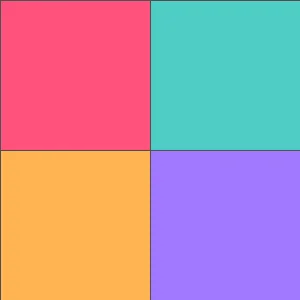
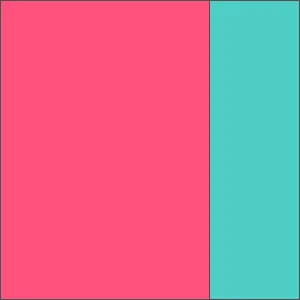
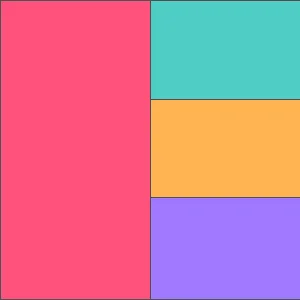
Classic grids, freestyle templates, mirror collages and frames for 2 to 24 photos.
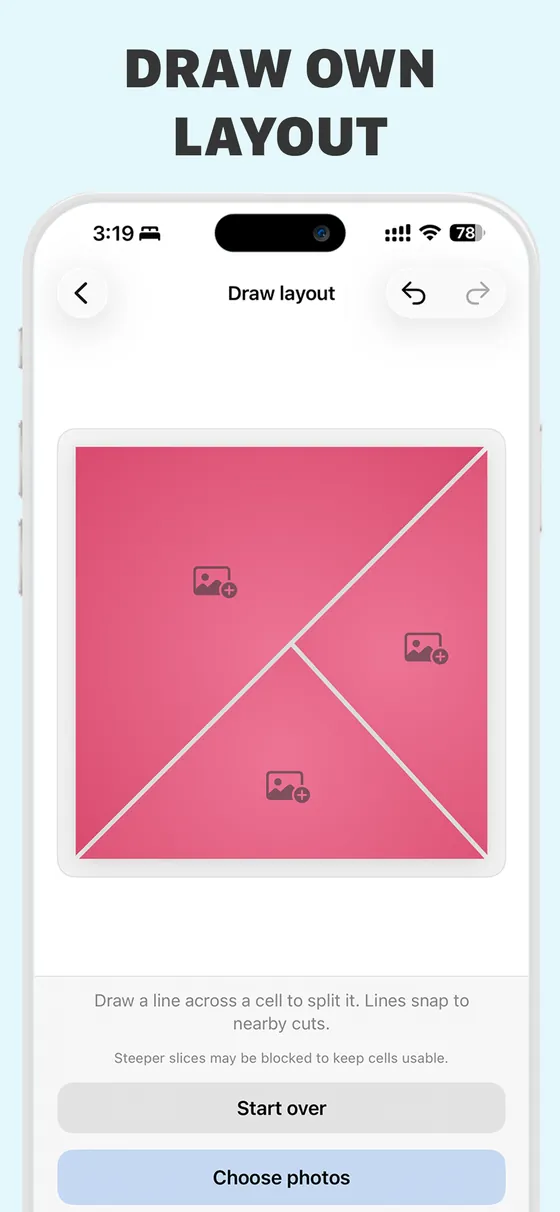
Draw your own layout
Draw a line across a cell to split it. Make any shape, without fixed boundaries.
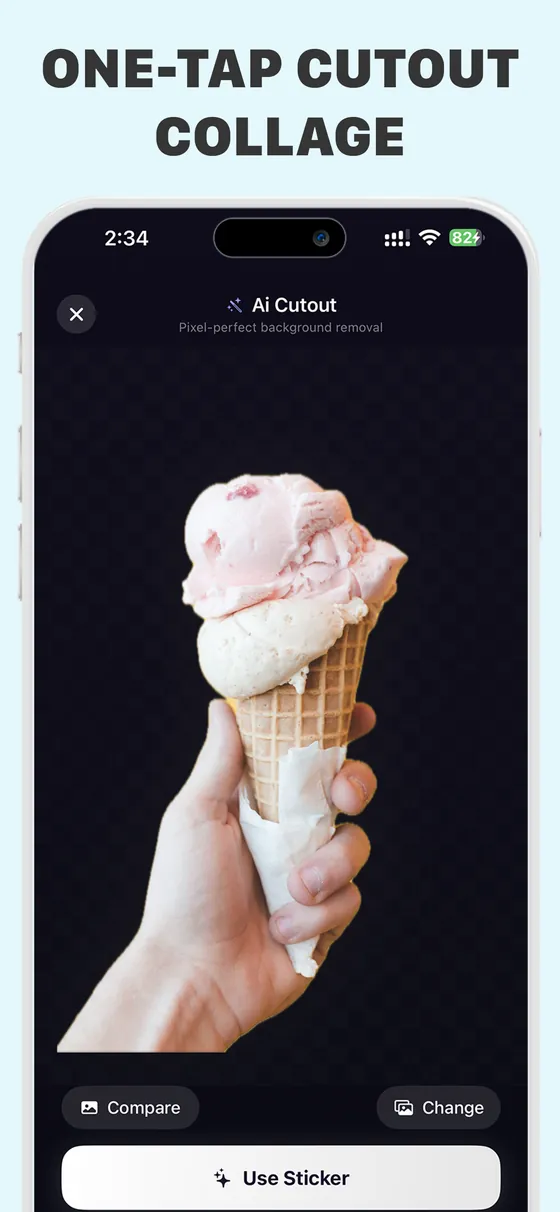
One-tap AI Cutout
Cut out people and objects, remove backgrounds and make your own stickers.
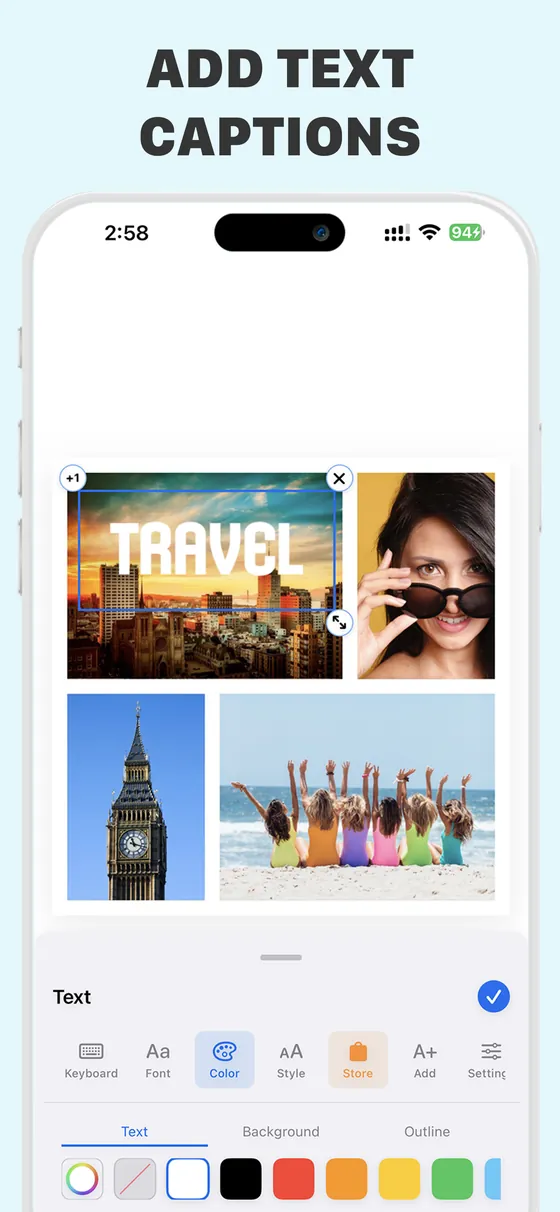
Text & 80+ fonts
Add captions in 80+ fonts, or import your own favourite fonts.
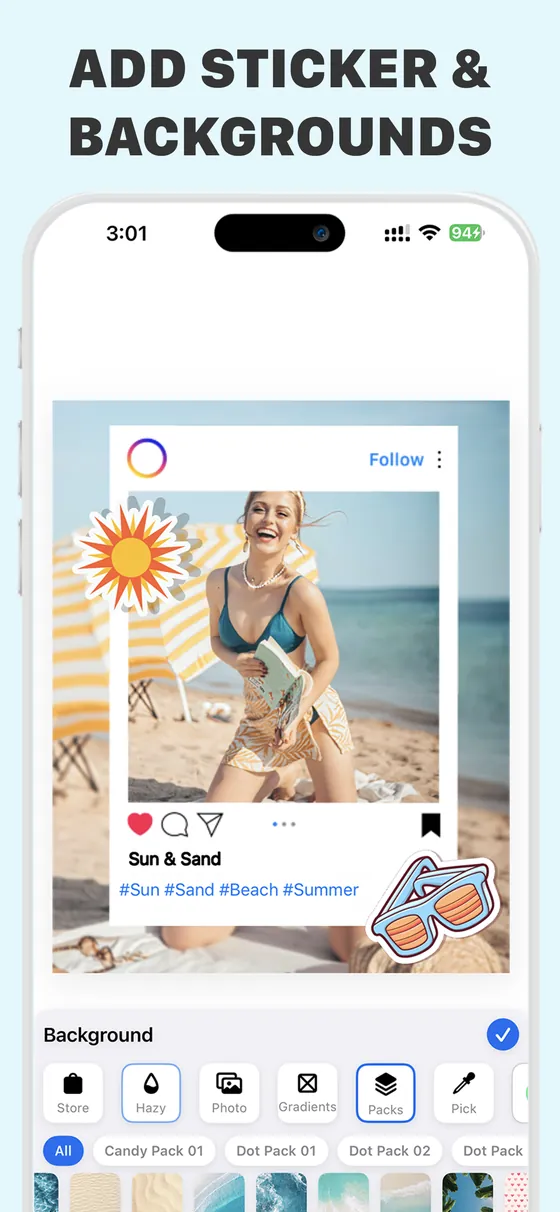
Stickers & backgrounds
Seasonal stickers, aesthetic textures, gradient backgrounds, borders and filters.
Ultra HD export
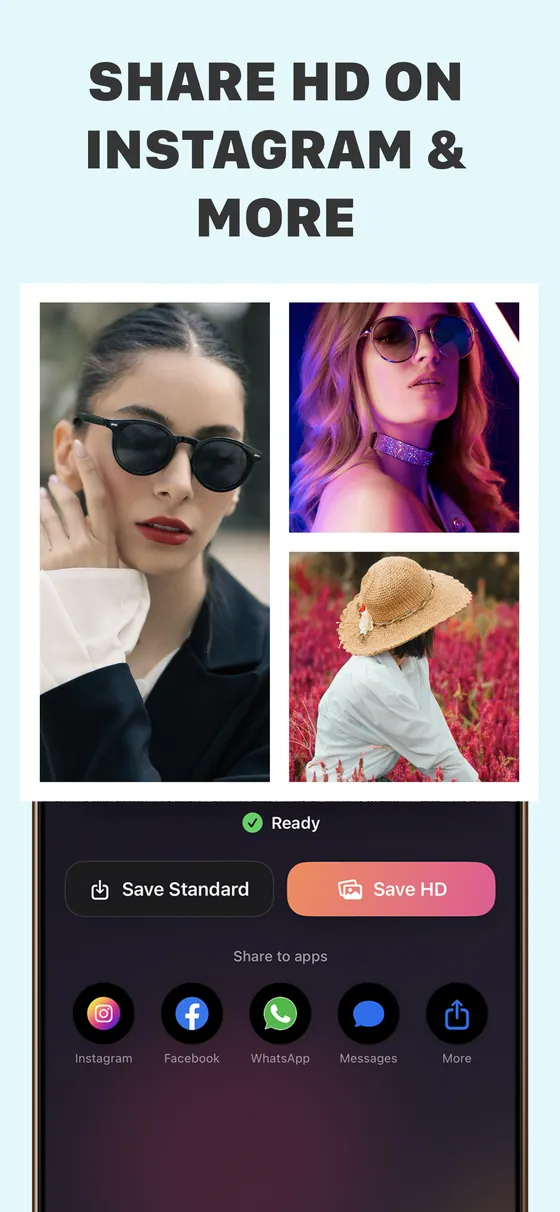
Save in high resolution and share to Instagram, Facebook, WhatsApp and Messages.
Private by design
Your photos stay on your device. Editing and AI Cutout run on your iPhone or iPad.
Shake to shuffle
Out of ideas? Shake your phone to shuffle the layout for a fresh look.
iPhone and iPad
Made for both screens, with no sign-up: open the app and start creating.
Three steps
How to make a photo collage
- Pick a layout. Choose a grid or template, or draw your own.
- Add your photos. Drag borders, swap photos, crop and zoom in any cell.
- Decorate and save. Add text, stickers and a background, then save in HD.
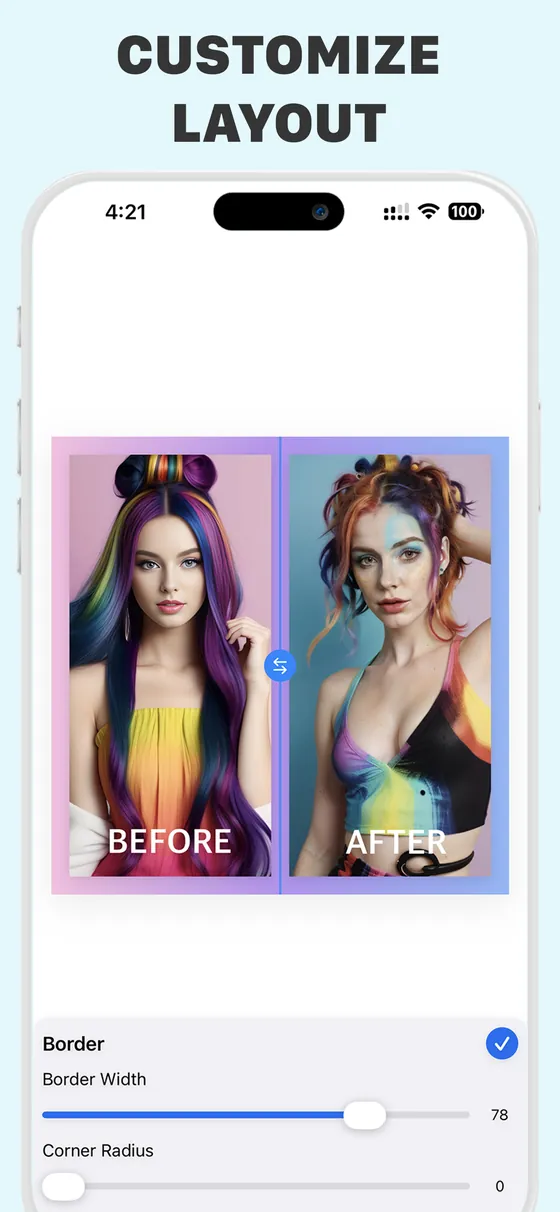
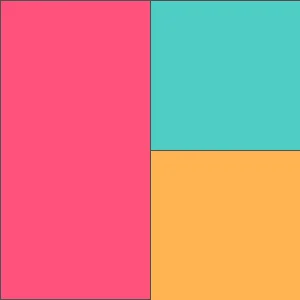
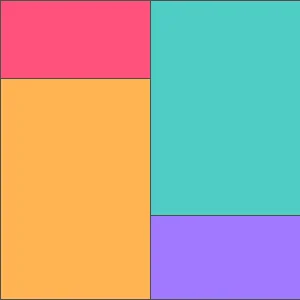
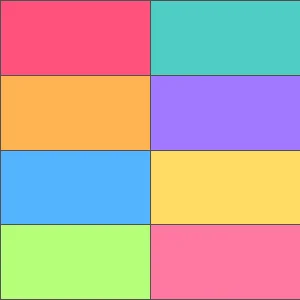
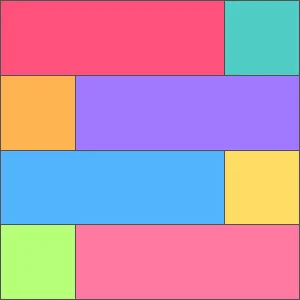
Photo grids
Layouts for any number of photos
See it in action
Made with Photo Collage Maker
Ratings and reviews
See all on the App Store ›Awesome app to make collage pictures, made a collage and they loved it. 5 Stars aren’t enough. Absolutely awesome
I have been looking for a collage app that is simple and easy to use on the go. I finally found it.
This is great for lock screens and backgrounds it has really good quality and is easy to customize
It’s a great and easy app to make collages of pictures for my classroom
Fast way to post photo grouping while traveling or touring. Like the wide assortment of frame colors.
this app is helpful during birthdays and special occasions. it helped me throw a bunch of my favorite photos together and it also helped me to see some memories.
Ratings and reviews from the US App Store.
Free and Pro
Photo Collage Maker
Free
- Photo grid layouts and freestyle collages
- Draw your own layout
- Text, stickers and backgrounds
- Crop, rotate, filters and adjustments
- Save and share (with ads)
Photo Collage Maker Pro
Weekly · Monthly · Yearly · Lifetime
- Everything in free
- Premium templates, fonts, stickers and frames
- Ultra HD export, no watermark
- One-tap AI Cutout
- No ads
Prices are shown in the app and vary by country. Subscriptions renew automatically until cancelled in your App Store account settings.
Questions people ask
How do I make a photo collage on iPhone?
Download Photo Collage Maker, pick a layout, add your photos and drag the borders to fit. Add text, stickers or a background, then save in HD or share. See the step-by-step guide.
How many photos can I put in one collage?
Up to 24 photos in one collage, with layouts for 2, 3, 4, 6, 8, 9 and more pictures.
Can I make my own layout?
Yes. Draw your own layout: draw a line across any cell to split it, and your photos snap into the new shape.
Is Photo Collage Maker free?
It is free to download and make collages with; the free version shows ads. Photo Collage Maker Pro unlocks premium templates, fonts, stickers and frames, Ultra HD export without a watermark, AI Cutout and no ads, with weekly, monthly, yearly or lifetime plans.
Are my photos uploaded anywhere?
No. Editing, including AI Cutout, runs on your iPhone or iPad. Your photos and collages are not uploaded to our servers. Read the Privacy Policy.
Does it work on iPad?
Yes. Photo Collage Maker works on iPhone and iPad.
Can I use my collages for my business?
Yes. You own the collages you make and can use them for personal and commercial purposes, as long as you have the rights to the photos you add. See the Terms of Use.
Your next favourite collage is a tap away
Free to download on iPhone and iPad.
Download on theApp Store